Google now allows you to select preferred news sources, helping you prioritise content from the publishers you trust most.
If Home Beautiful is your go-to for design inspiration, decorating ideas and thoughtful renovation advice, you can let Google know you’d like to see more of our stories when they’re relevant to your searches.
It takes just a moment to set up.
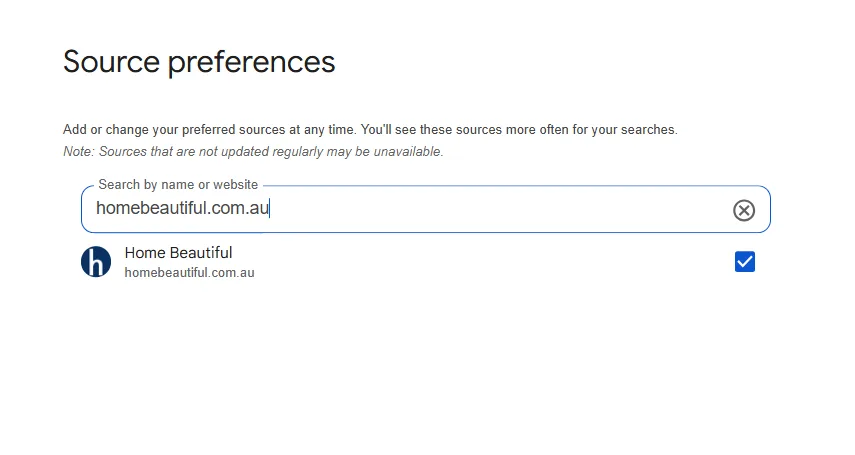
How to add Home Beautiful as your preferred source
- Visit Google’s Source Preferences page.
- Search for homebeautiful.com.au.
- Select Home Beautiful Australia.
- Save your selection.
👉 Add Home Beautiful as your preferred source here.
By adding us as a preferred source, you’re more likely to see our latest features, from beautifully designed homes to practical styling ideas, when they match what you’re searching for.
This won’t override Google’s ranking system or guarantee a top position, but it does give added prominence to the publishers you choose when their content is relevant.
Related stories
Native ad body.
Native ad body.


Native ad body.